3D Design & Fabrication
From first sketch to finished print — students design in Tinkercad, then bring their ideas into the physical world on our Bambu Lab A1.
Tinkercad
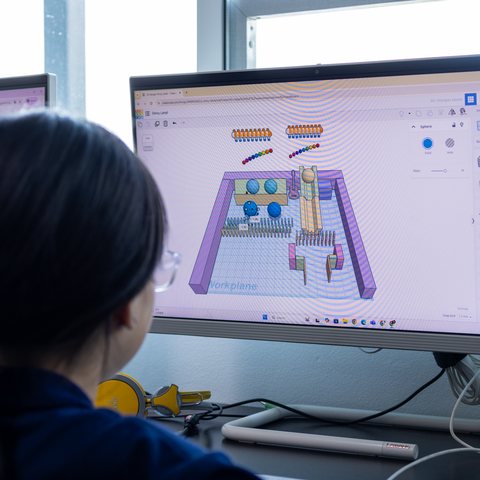
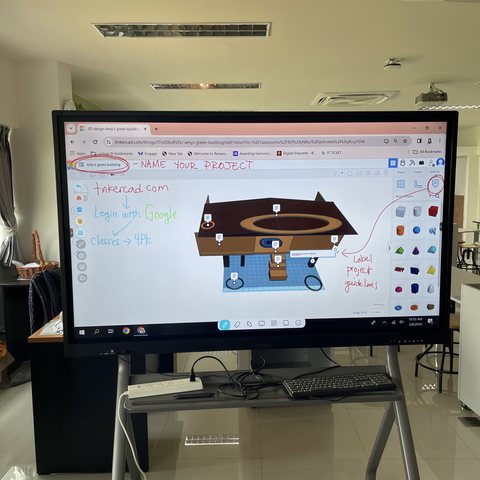
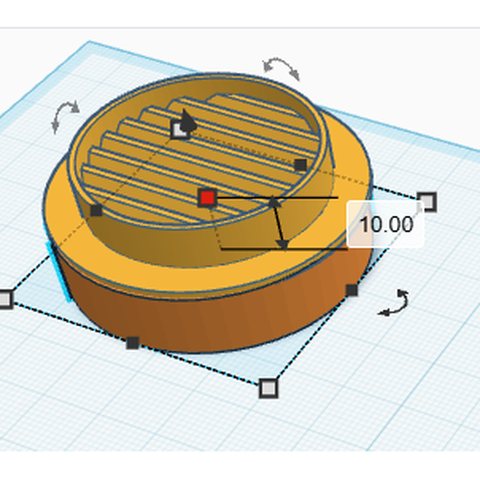
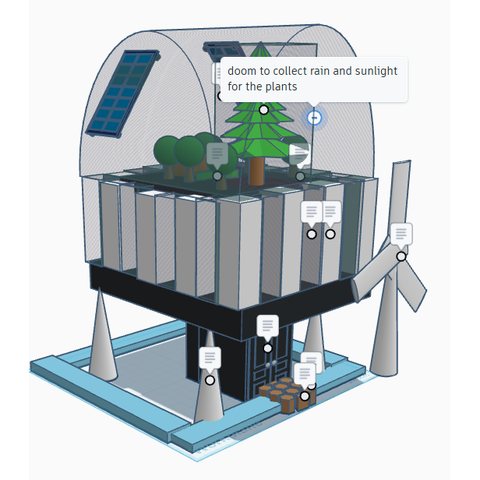
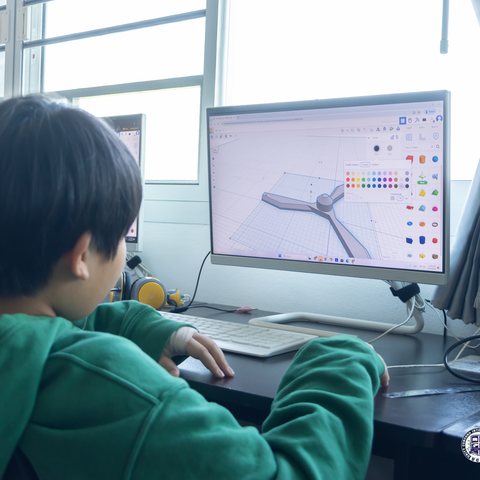
Every design starts here — students model in Tinkercad and iterate on their build before it's ever sliced for printing, from a Rube Goldberg contraption to a green-building concept to a spinning propeller.
Bambu Lab A1 Printing
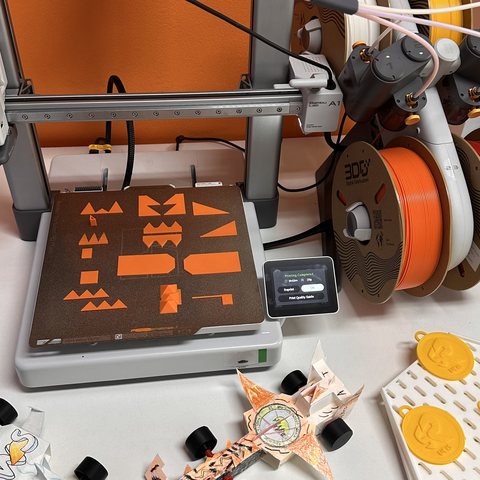
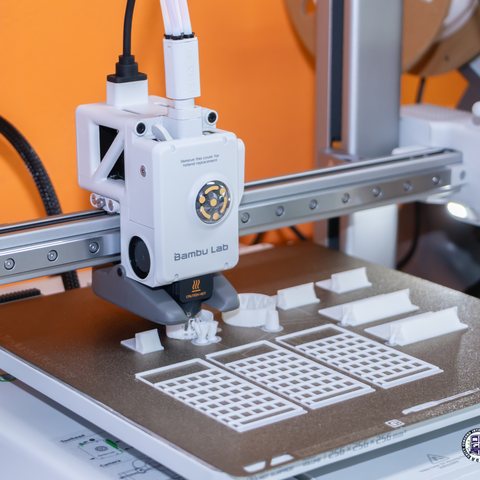
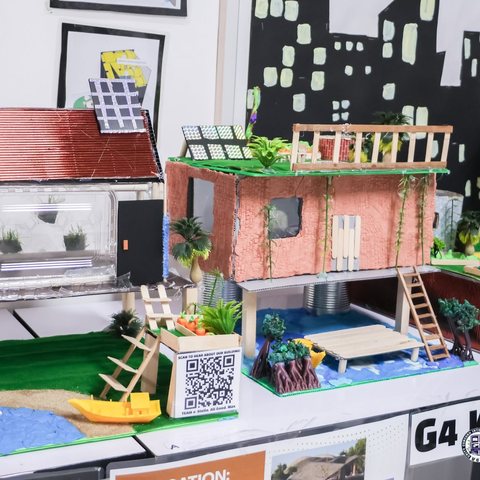
Designs come off the Bambu Lab A1 as real, testable objects — this term's favorite was a fleet of student-modded F1 cars, alongside a set of sustainable building models engineered to withstand natural disasters.
Robotics, Computing & Coding
Hands-on hardware and block-based code — students build with LEGO SPIKE, invent with Makey Makey, and learn to program with Scratch, CodeAI, and Tynker.
LEGO SPIKE
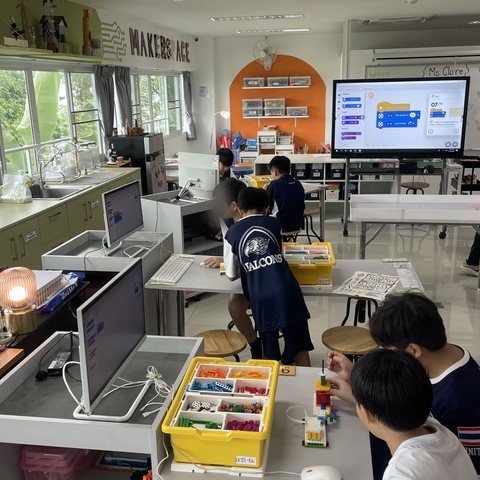
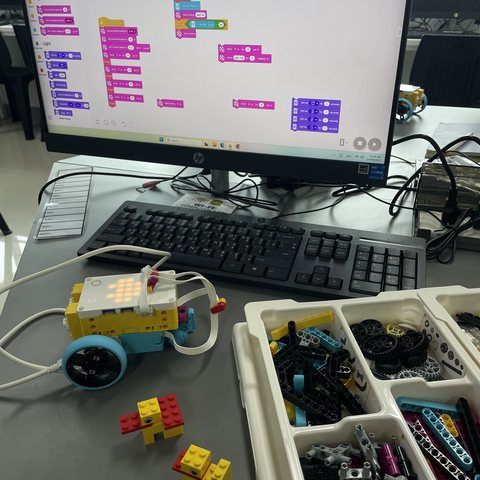
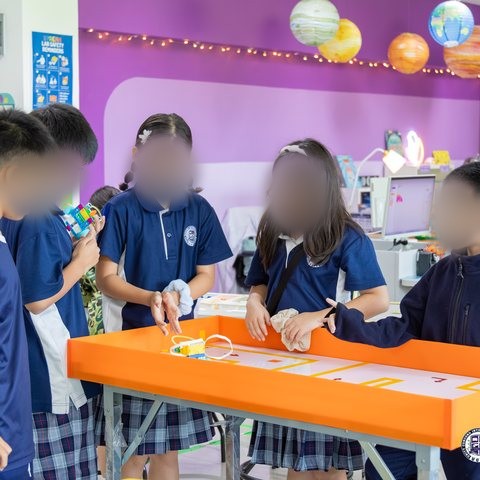
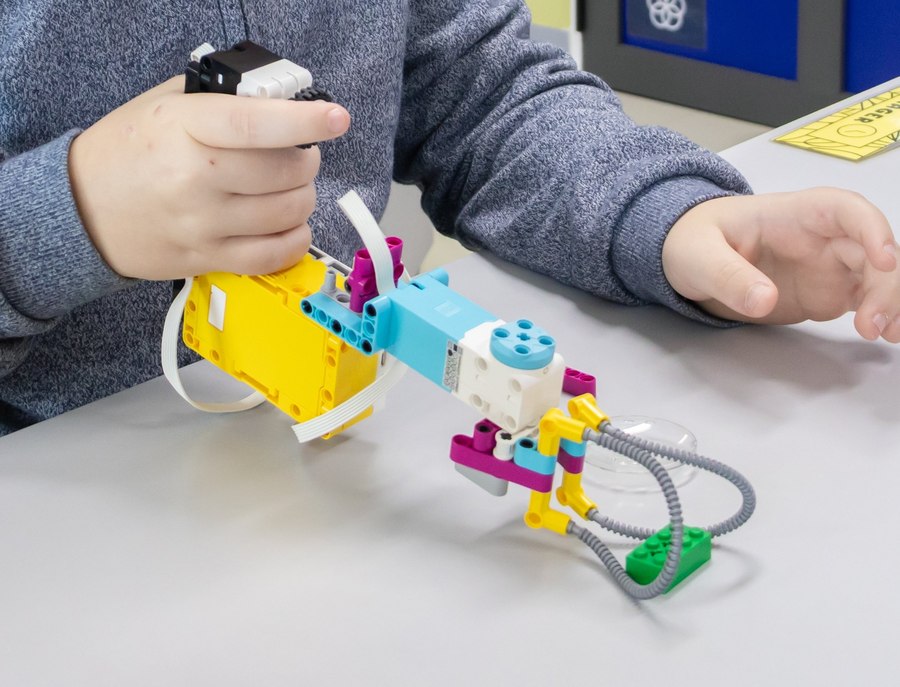
Students build and program LEGO SPIKE robots in small teams, moving from a block diagram on the whiteboard to a working robot that senses, moves, and reacts — then put it to the test on a challenge table.
Makey Makey
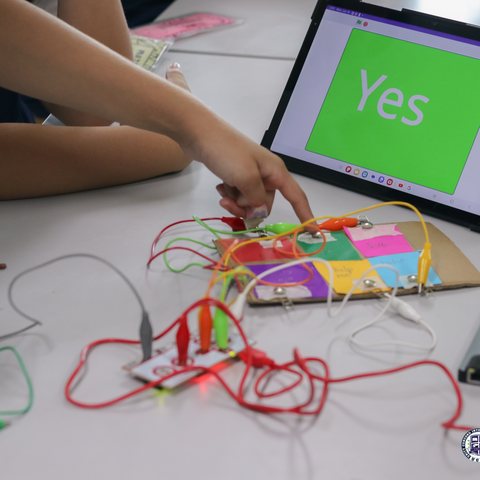
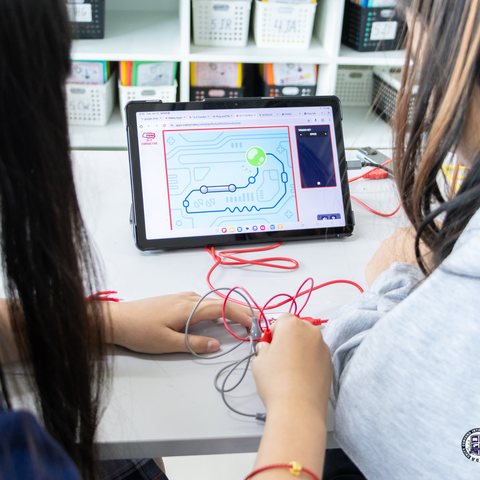
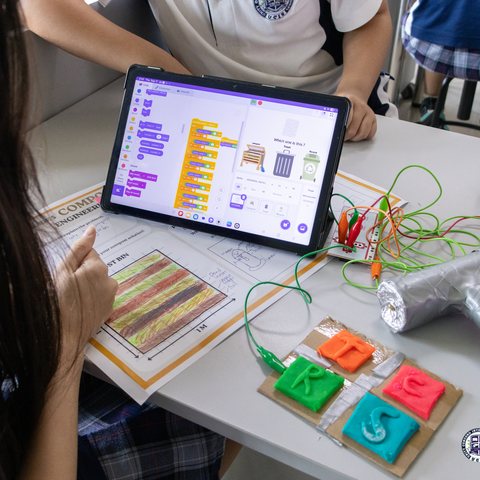
Everyday objects become game controllers — students wire up a Makey Makey circuit and pair it with a Scratch project they've coded themselves, from an "Is It Conductive?" test to a playdoh-and-cardboard compost-sorting game.


Coding Curriculum
Scratch is where most students start; CodeAI and Tynker carry that thinking further with guided, standards-aligned coding units as they grow more confident.
Systems Thinking
Missions.io and PhET give students a simulated system to investigate and troubleshoot — building intuition for cause-and-effect and feedback loops before we ever put it into words.
Missions.io
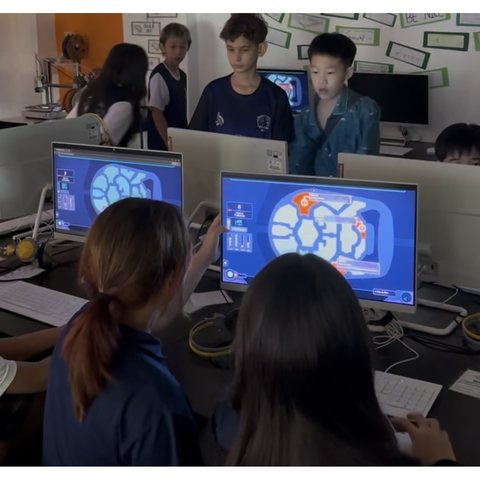
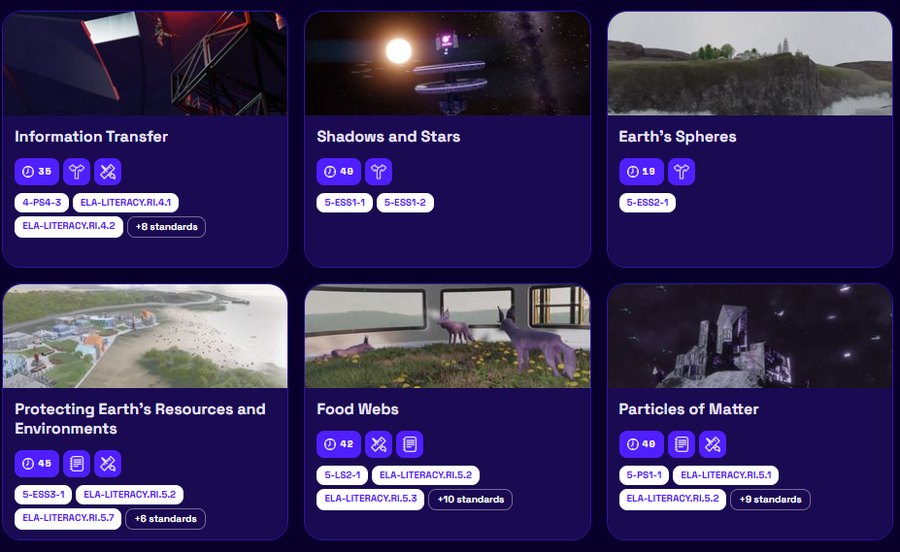
Students take on a mission brief, gather data from a simulated system, and map their reasoning back to the standards it's built on — troubleshooting cause-and-effect the way a real systems thinker would.

PhET Simulations
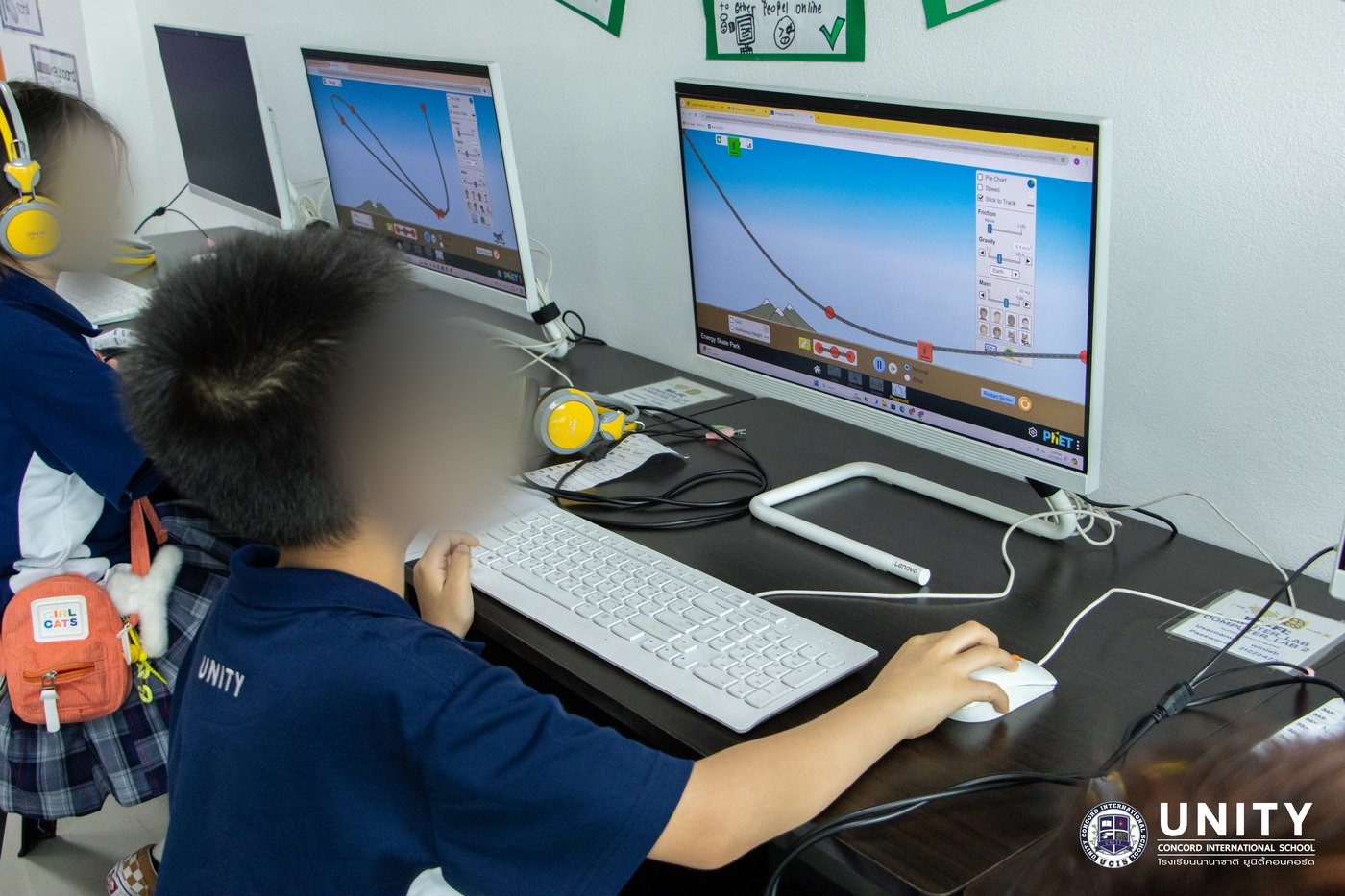
PhET's simulations let students manipulate variables in real time — a low-stakes way to build intuition for a system before we formalize it with vocabulary and diagrams, like this pair running the Energy Skate Park simulation.
Creation, Media & Showcases
Students don't just make things for me — they publish them. Podcasts, voice recordings, design work, and full showcase sites give their projects a real audience.
Canva
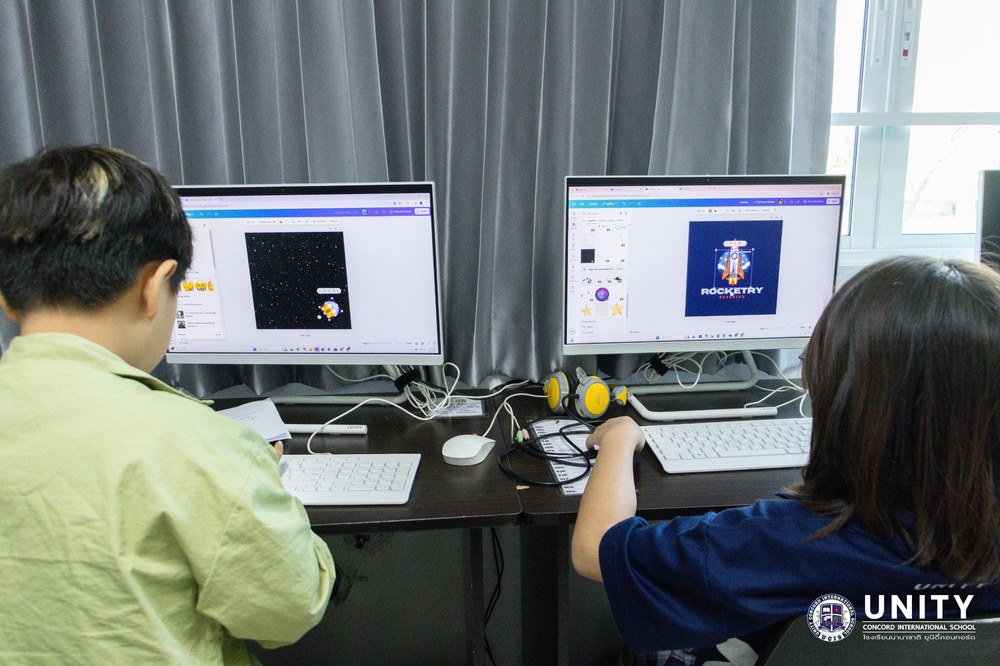
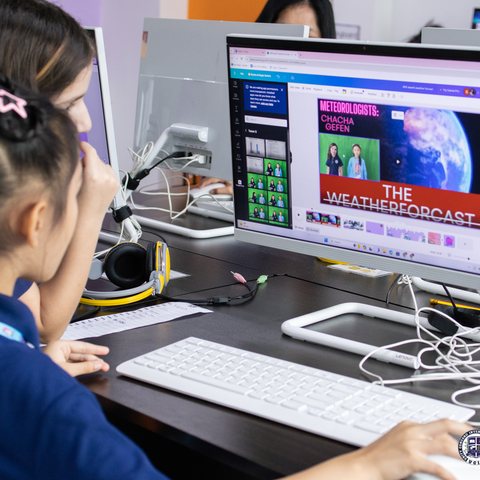
From logo design to video edits with a green screen, Canva is where students polish the visual side of a project — here, designing their own logos and editing a green-screen weather-forecast video.
Soundtrap EDU
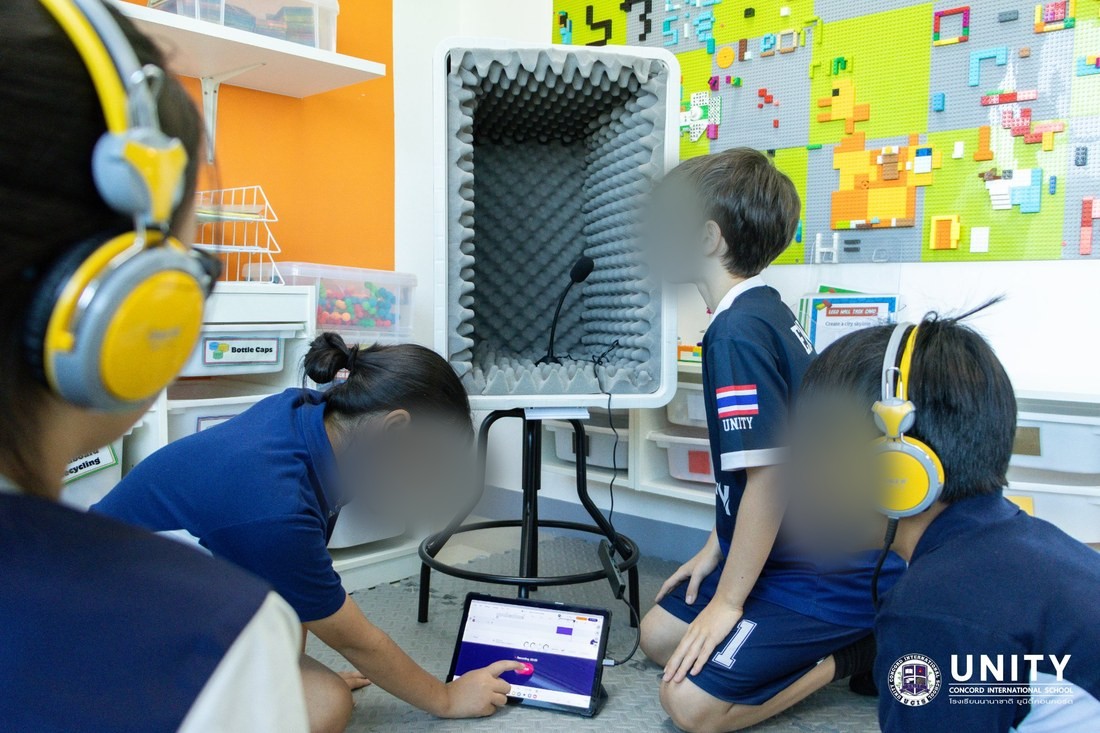
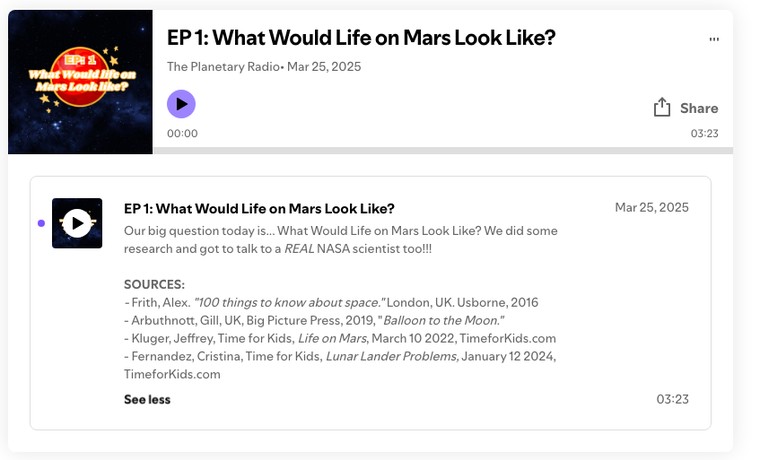
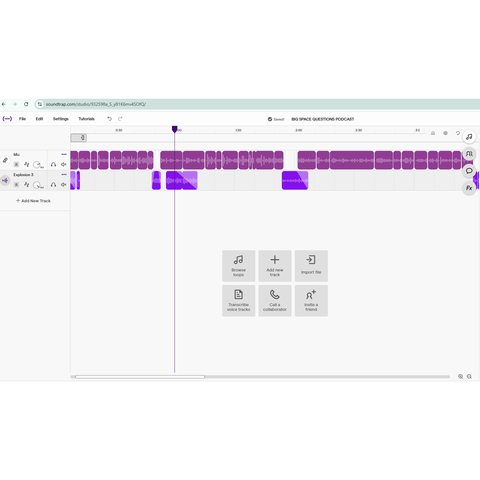
Students record, edit, and mix podcast episodes in Soundtrap EDU — a genuinely collaborative way to practice speaking, scripting, and audio storytelling, from recording in our podcast booth to publishing a finished episode like "What Would Life on Mars Look Like?"

Google Sites
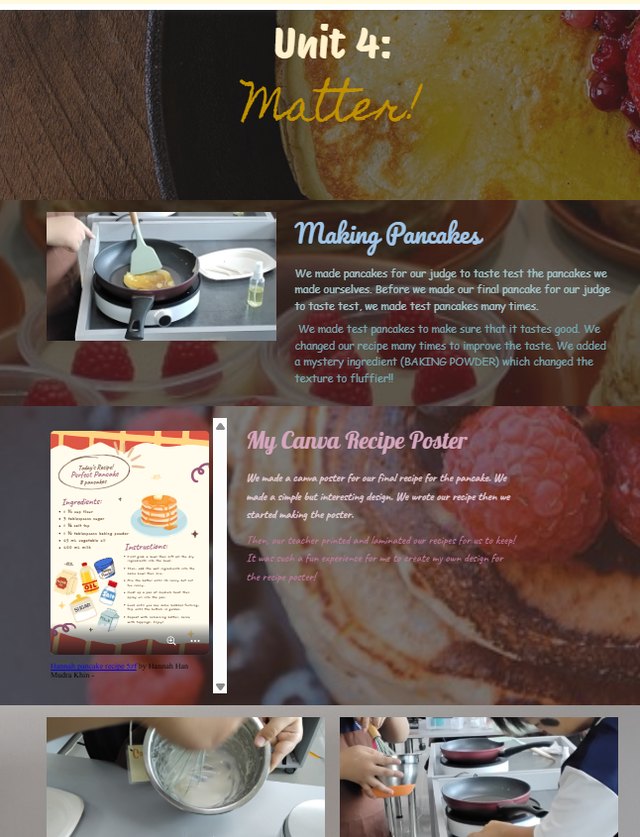
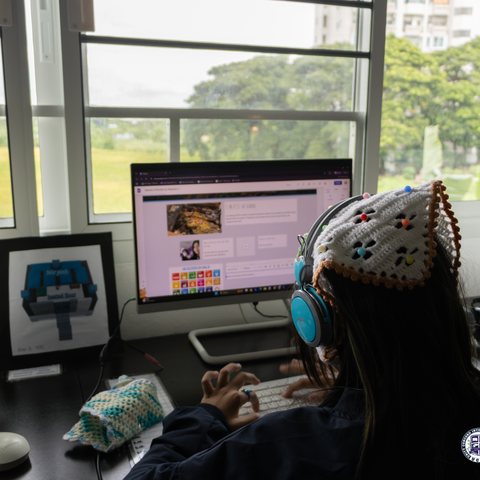
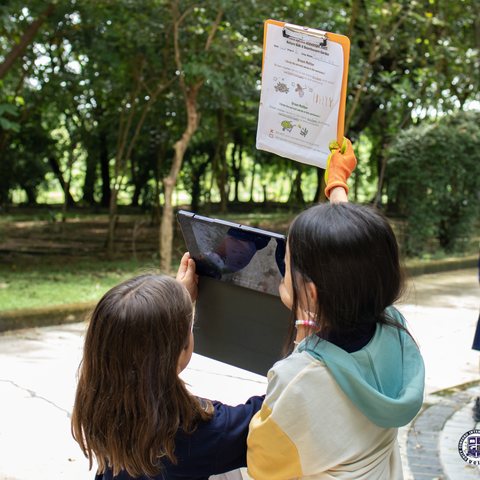
At the end of a unit, students build a showcase site in Google Sites to document their process and present their finished work — from writing up their pages to getting outside to capture the photos that go on them.

Vocaroo
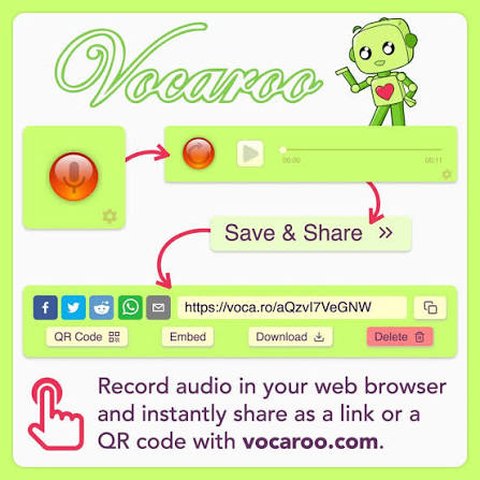
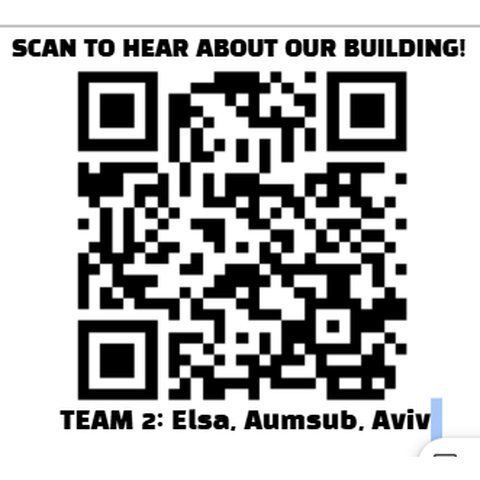
A quick, no-login way for students to record a voice reflection or narration — here, a QR code on a team's building-model display links straight to their audio walkthrough.
Digital Learning Platforms
Interactive platforms carry instruction, simulation, and formative assessment — from a Nearpod lesson to a Kahoot review game.
Nearpod
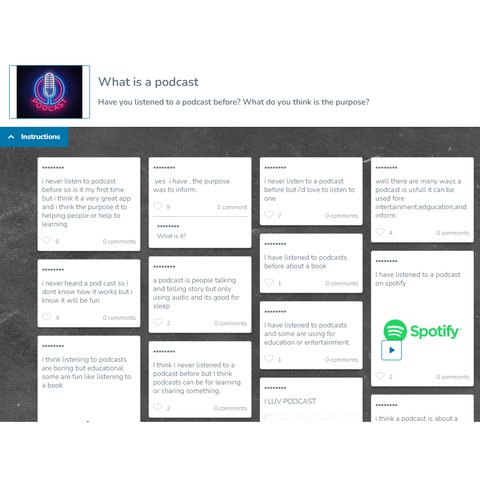
Nearpod lets me build interactive lessons with embedded questions and collaborative boards, so I can see student thinking in real time instead of waiting for a hand to go up.

Earth Cubs
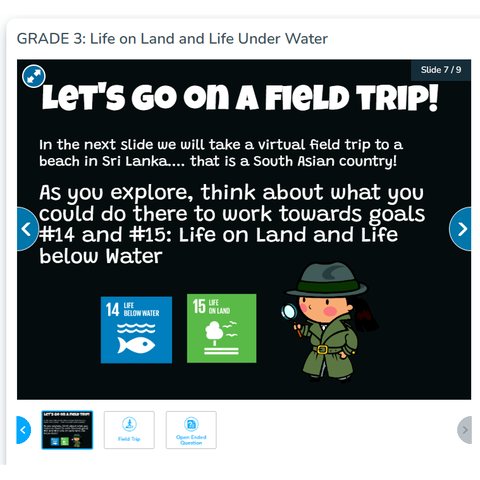
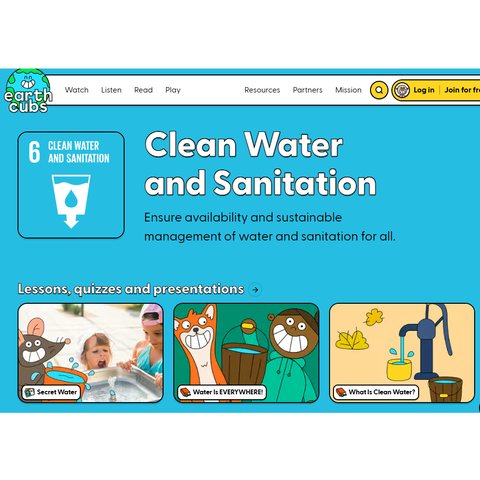
Earth Cubs' Global Goals units connect sustainability content to hands-on lessons, giving younger students an age-appropriate entry point into the UN Sustainable Development Goals.

Kahoot
A quick formative-review game show — students answer on their own devices while the leaderboard keeps the energy (and a little friendly competition) up.

Typing.com
A few minutes a week of guided practice to build keyboarding fluency — foundational for every other tool on this page.

Interland
Google's "Be Internet Awesome" game — students navigate playful challenges about privacy, kindness, and spotting scams to build digital-citizenship habits early.
Curriculum & Planning
Behind the scenes, units get mapped and lessons get planned with a small stack of AI thinking partners and Google Workspace.
Claude.ai
My go-to thinking partner for drafting units and organizing resources. Coming soon: the Claude-built artifacts I use directly with students, like a Rube Goldberg simulator and a kid-safe search engine.
MagicSchool AI
A second AI thinking partner, tuned for teachers, for drafting lesson plans and differentiating resources quickly.

Google NotebookLM
Where I dump source material — standards documents, past units, readings — and have it organized back into something I can plan from.
Google Classroom
The hub students and families actually see — assignments, resources, and updates all live here.